By the late 20th century, the concept of software development had rapidly spread across almost every industry. What became a regular practice in research labs and government agencies became essential to finance, healthcare, telecommunications, manufacturing, and education. The story, of course, didn’t stop evolving here.
Artificial intelligence opened a new chapter, emerging and establishing itself as a leading topic worldwide. The release of ChatGPT by OpenAI in 2022 marked a new era for software development. Engineering teams were expected to implement it into their processes almost overnight, even though it raised many questions about its quality, security, and data safety, with no one handling similar edge cases in the past, bringing headaches even to the top engineering minds.
Still, the idea that something could enhance processes while maintaining their stability, reliability, and power, naturally led to extensive implementation and AI testing across many environments. And that’s where the AI in the engineering processes seriously started to unfold.
There is a long list of powerful LLMs, plugins, APIs, and integrations for development workflows more than ever. It became a thing - incorporating AI tools as assistants into each step of the software development cycle, such as planning, writing code, generating documentation, finding bugs, refactoring, testing, and even deployment, all to speed up the processes and ideally decrease the load of manual, mentally and time-consuming work.
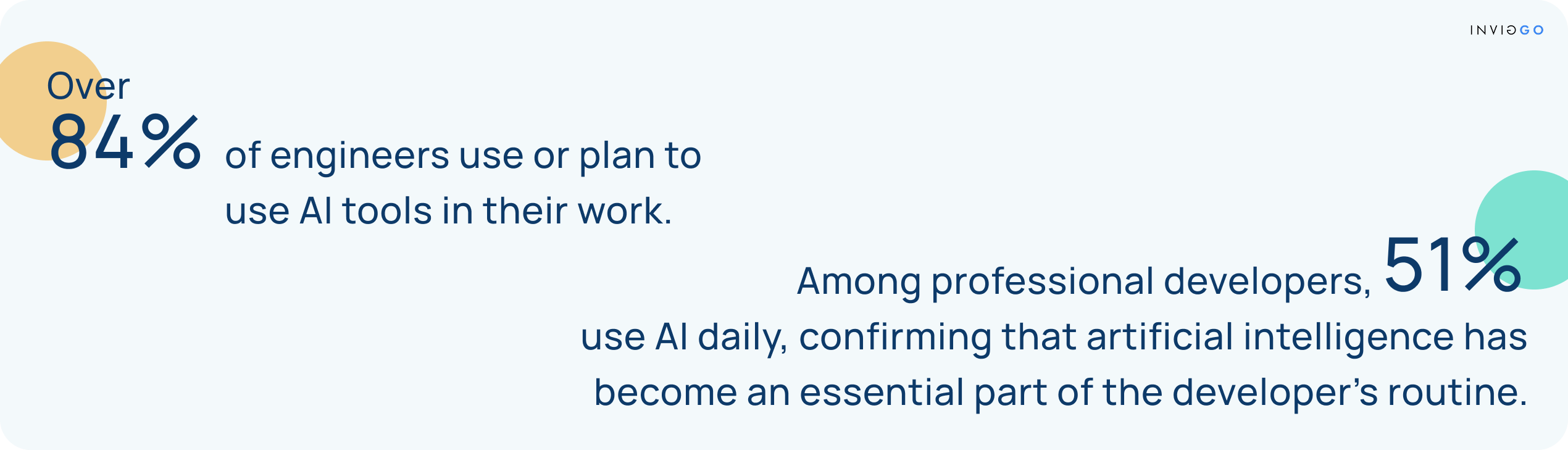
AI tools have found a significant place within our team as well. For over six months, we’ve been exploring AI’s capabilities in real project environments and collecting insights on how specific AI tools support each phase of development. Instead of just relying on AI, we have decided to cope with it by understanding how it thinks and uses the enormous amount of information to enhance our own processes and technical expertise at every stage of software development.
The goal of this article is to share our hands-on experience with several AI tools without highlighting any single tool, but explaining how they have accelerated certain processes, where we see room for improvement, and how they could evolve further, all with the aim of supporting developers in their future daily work.

Planning is the initial stage of software development, where the foundation for the entire project is set. The team defines main goals, designs system architecture, expected outcomes, available resources, and key documentation while identifying and recording precise clients’ requirements. The central question guiding this phase is: What do our users expect from this software?
To better understand what the customer is looking for, a thorough client specification represents the starting point. This is the part where our team’s senior members sit together and dive into the requirements, trying to figure out the bigger picture as well as potential caveats. When it comes to various documentation that a project requires, we have been turning to AI tools mostly for template generation which we used to fill out the project documentation (based on the client’s requirements) and to generate tasks in the future.
However, the most common scenario within Inviggo engagements involves building products from scratch. So as a more practical solution, we’ve created an internally composed template that has been standardized across many projects and implemented in compliance with our clients.
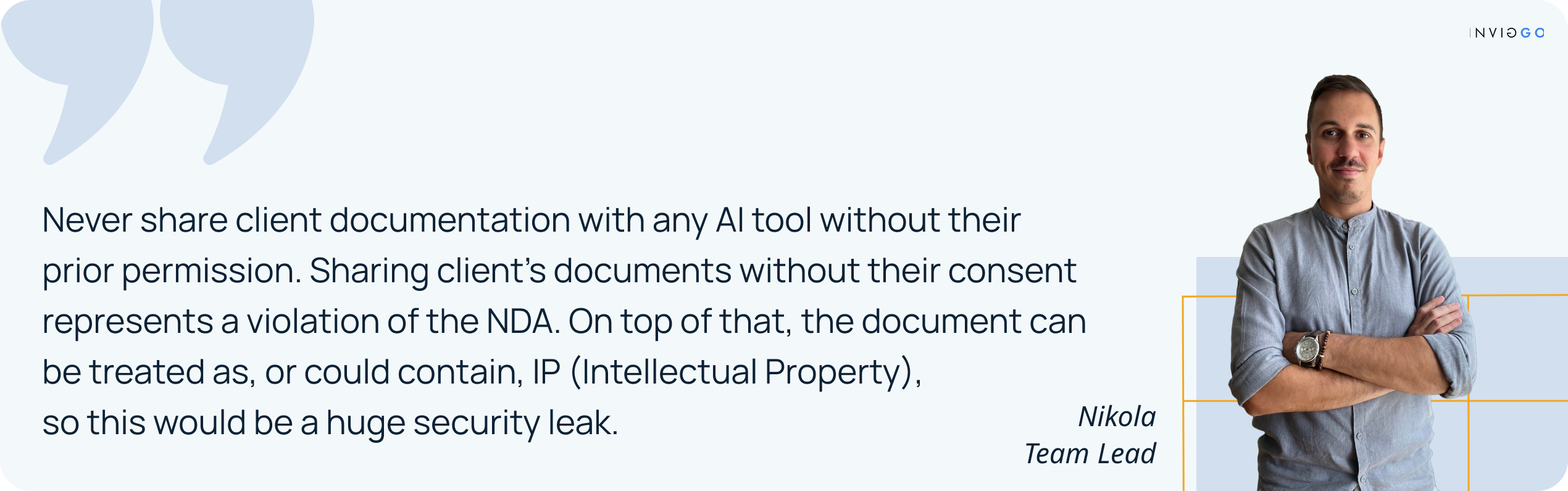
Most of the time, decisions regarding backend and frontend languages and frameworks, as well as which cloud providers to choose, are made based on our expertise. On the other hand, for any critical part of the system that may require a proof of concept (PoC) to demonstrate technical feasibility to the client, we occasionally rely on Claude Code to help identify niche libraries specifically suited for that use case. That's how we identified, for one of our latest projects, that for Charts in React we should go with the chart.js package as it suits our use-case the best (comparing complexity and the learning curve against the specified requirements).
This stage connects the requirements and the software’s purpose and its execution strategy, focusing on its functionality and aesthetics. It should define a user-friendly interface and outline the software’s precise structure, navigation, and database design.
This is the phase in which we rely on AI to a greater extent, but still not entirely. Designing the database and identifying critical system segments is a complex task. It is the responsibility of the development team to detect them. After that, we mostly consult ChatGPT more as an advanced search tool (such as Google) to find similar solution examples and documentation. Based on our experience so far, no AI tool has been developed that can reliably design databases and accurately detect critical segments at a satisfactory level.
We recommend relying primarily on internal expertise and experience when it comes to choosing between SQL and NoSQL, designing the database, as well as defining user stories. Let's not forget that user stories are not just Jira tasks but rather application flows, essentially covering both UI and UX aspects.
Clients more often approach our team without a clear vision of the app’s layout or specific design. Not so long ago, this meant that either the client or our team needed to bring a UI/UX designer on board, which naturally extended the project’s development time and cost. Designers need time to explore and define the best solution, which then requires review, followed by implementation by developers, and so the process continues in iterations. This also affects the allocated budget, as the additional team member has to be included in the project realization.
With the appearance of AI tools, the obstacle of missing UI/UX no longer represents a blind spot that first iterations usually carry for the client. These are situations where developers can help clients better understand what the final design would look like. Once the development team is done with the technical project design, and the design guidelines and UI components are drafted, v0 can thrive by generating a prototype for the client. This shortens their gap between an idea and a vision.
This is the stage in which the magic of practical realization happens. Dedicated software developers define the adequate programming language and implement regular code reviews, confirming its stable and accurate basic functionalities. It may still be pretty raw, but it is an important step toward creating a useful software solution.
This is the phase where we start pair-programming with AI. Ideally, if everything is properly set up, we can start with an agile approach to functionality and design implementation.
Our team has used various models with Cursor and GitHub Copilot and has noticed several advantages:
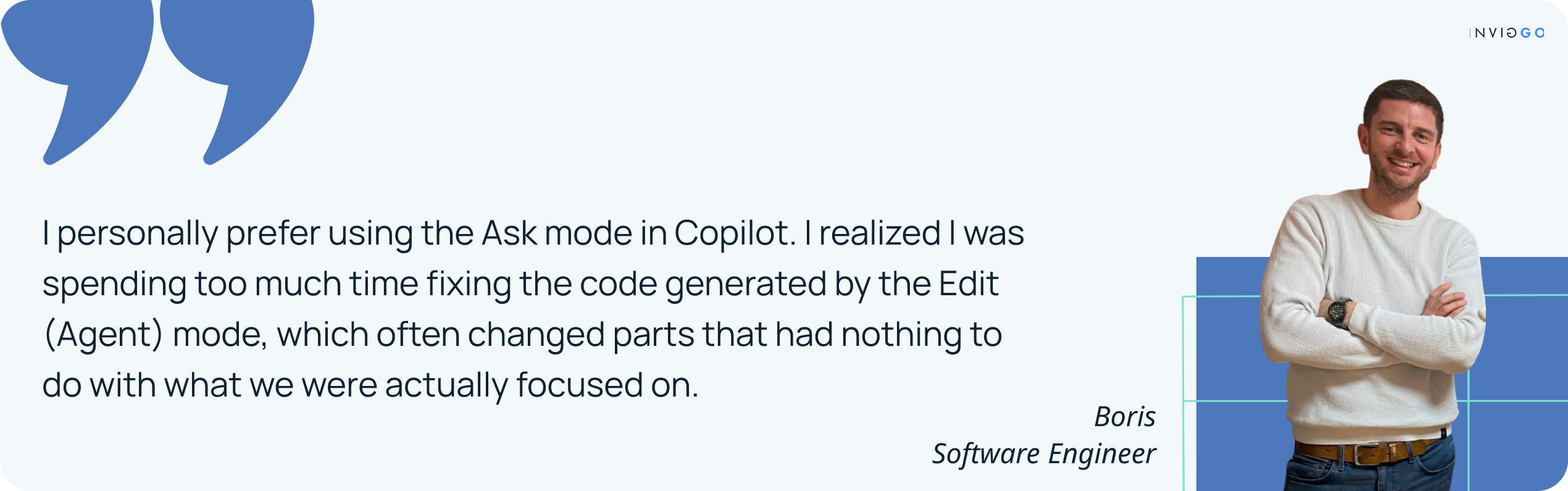
In reality, there are various opinions and educational approaches regarding how strict coding style, linter, and similar concepts should be defined. However, with all the tools available, we believe developers can still make mistakes.
During our development processes, we have noticed that Copilot review easily catches so-called nitpicks such as "There is a duplicate code on line 169" and "This variable name is misleading." At the same time, it demonstrates good performance in detecting small bugs, such as "This logic covers multiple array elements but does not work well for a single element," or “you don't have an early exit here, so you might end up creating more resources than you want."
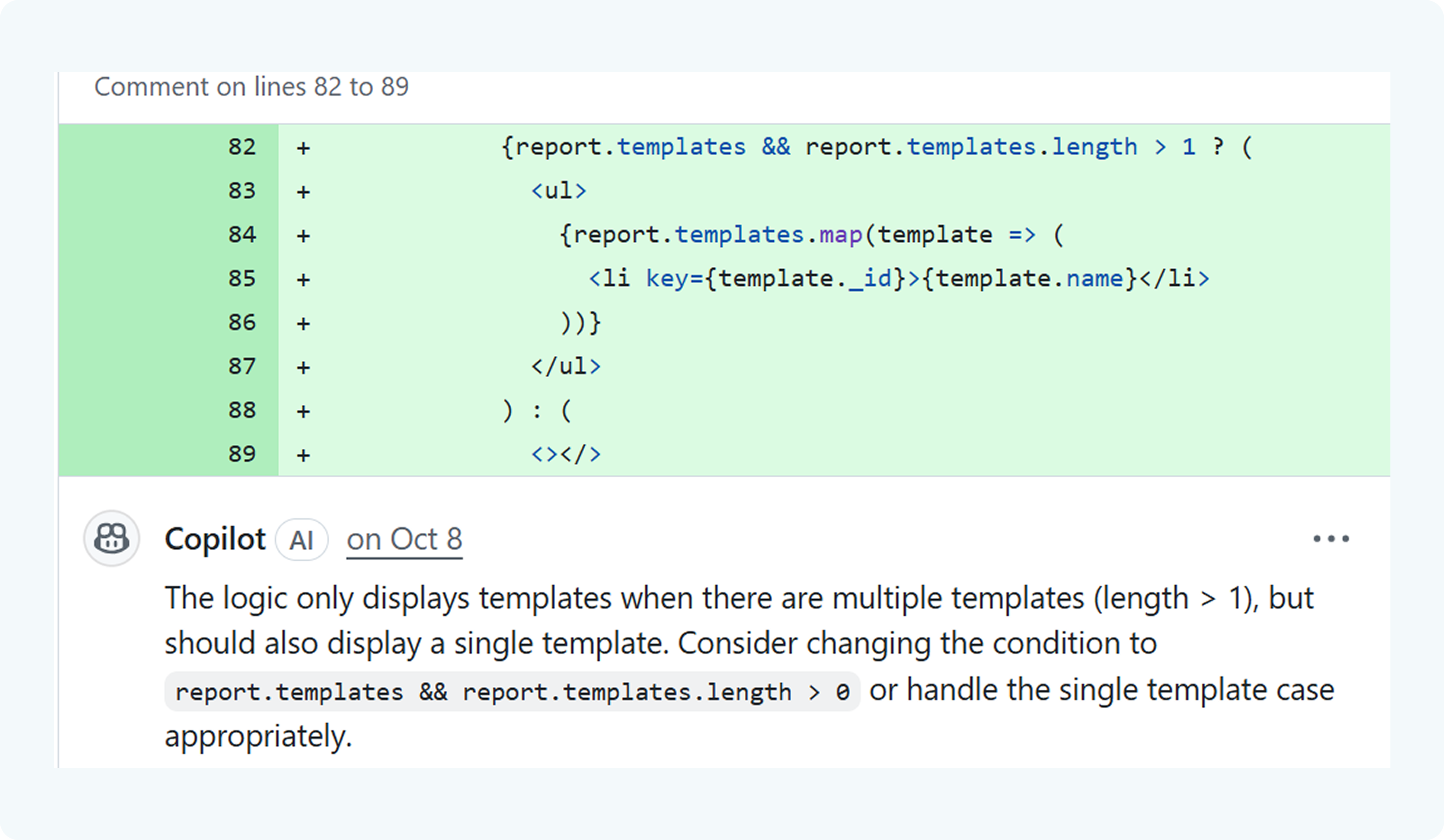
Within our teams, we certainly believe that every developer reviewing a colleague’s code should thoroughly examine each Pull Request (PR). However, it’s always useful to have a tool that can take care of the smaller details, leaving the more interesting parts for us to focus on.
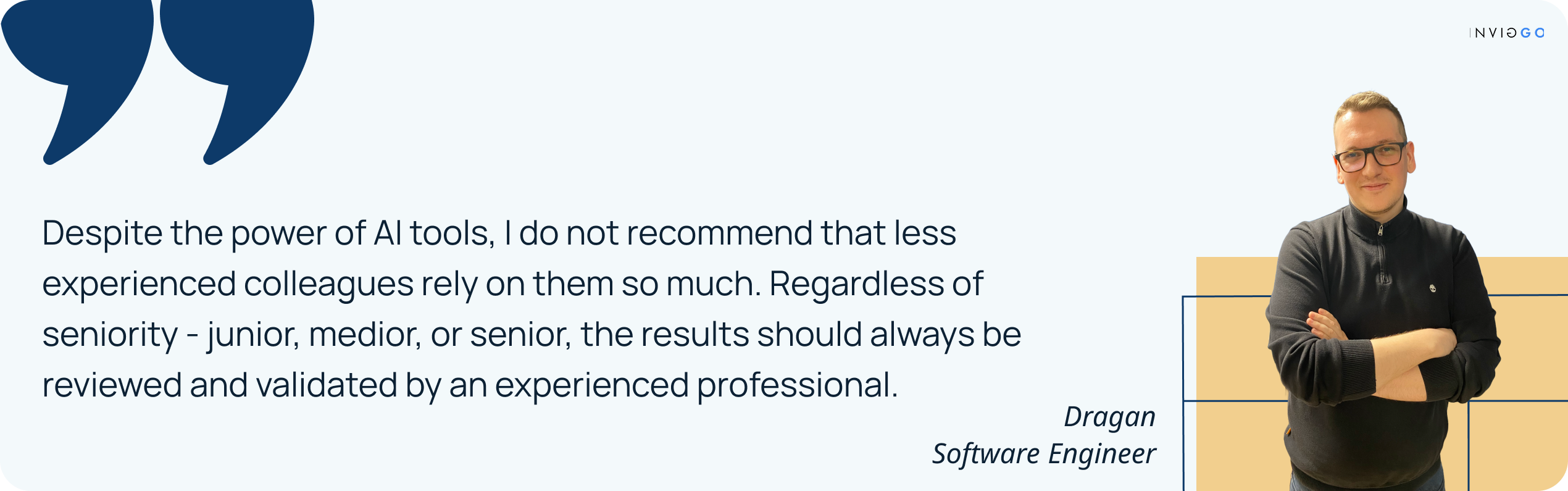
The risks of AI-generated assumptions and rough estimations are well known in the development world. Since service cost estimations represent a critical step in the development cycle and reports are often submitted to a team lead, project manager, or CTO, these figures must never be arbitrary.
When we described the problem we were trying to solve (the task was: NSFW & IP Infringement check), a regular Google search provided better results than Copilot or Cursor. Moreover, even when we asked about specific vendor solutions we had already found, the responses claimed that those vendors do not address our needs until we shared direct links to the documentation, where the vendors themselves clearly explained that they offered exactly what we were looking for.
Our experience so far has shown that tasks need to be described in much greater detail than what is typically provided in a ticket, including any potential limitations. Results always require verification. Another challenge is that, despite advancements in models and larger context windows, AI eventually struggles to manage a large volume of code changes effectively. These tools are shown to perform best when handling multiple smaller tasks, with the context window updated regularly.
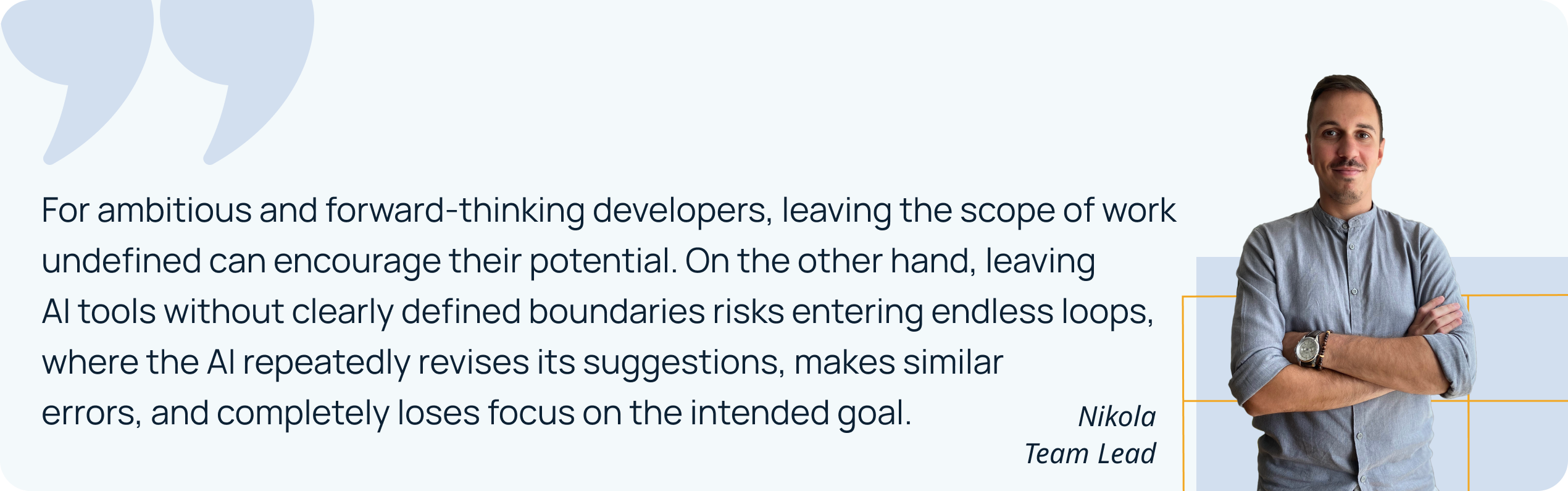
This is the stage in which developed software is being tested for bugs or issues that may have been missed during coding. Its goal is to ensure that software works smoothly for users and to spot areas for improvement.
AI has shown to be effective for generating test datasets that can be used during testing, including throughout the development process.
The opinions may vary when it comes to test writing. There are two general cases:
Cursor and Copilot give satisfying results as these tools manage to analyze the already existing tests. Following the given information and content, these tools can deliver similar tests for a new use case. However, even in this scenario, they tend to rely too much on the existing tests and the structure that needs to be filled, rather than identifying edge cases that should be specifically covered. Nevertheless, their performance is still quite valuable but limited to the information given within the already provided tests.
Cursor and Copilot require more guidance, ideally including examples of the tests that are expected. As a company, we strongly recommend addressing testing from the start to increase code and process quality, as well as to avoid situations where developers must spend several sprints writing tests retroactively.
Additionally, our team has noticed that by merging creativity and adjusting the way AI is approached, for example, directing it to search for critical code sections, edge cases in algorithms, performance issues, and potential bottlenecks, AI manages to identify potentially problematic areas that can then be addressed with targeted tests.
Once testing is done, the software is released to users. Beta testing catches any last issues, which are quickly fixed before the full launch, making sure everything runs smoothly. This is the phase for transitioning from the project development stage to the production phase, where the goals set in the planning and requirements stage have been specified.
We admit it looks elegant and straightforward when deployment is done by DevOps. However, the process becomes more challenging when a software engineer or team lead is responsible, for example, remembering the YAML syntax when it isn’t a daily task. Templates that were previously copied and pasted from the first Google search result (usually Stack Overflow) can now be generated directly from a single AI prompt.
When our team was onboarded to a new project and needed to work with the existing deployment, Claude Code proved to be extremely helpful, particularly for making small changes. In such cases, the AI suggests the type of change, which the team can then validate based on their expertise and experience.
Maintenance is all about keeping the software running smoothly and adapting it to changing needs. This includes fixing bugs, updating features, responding to user feedback, and making improvements over time.
This is the phase in which we used AI tools the least. The reason is that it is often more efficient and cost-effective to roll up one’s sleeves and fix bugs, improve documentation, or address user-reported issues directly, rather than explaining to AI exactly what needs to be changed.
The situation is different when implementing new features, but in that case, the process essentially circles back to the beginning of the SDLC, and the relevant steps are repeated. Of course, if the need for architectural changes appears, performance investigations, or similar tasks are required, AI tools can be involved as a programming buddy.
Documentation runs throughout the whole software development process, capturing everything from requirements and design decisions to code explanations and user guides. It ensures developers and users can understand, maintain, and use the software effectively, constructing a clear map for anyone navigating the project.
One of the advantages of AI tools, such as Cursor, is their tendency to leave comments within the code. Regardless of opinions on whether the code should be self-documenting (based on variable names), providing explanations for complex logic and guiding the developer reading the code through its flow via comments is always beneficial.
Based on our experience so far, Cursor performed well in creating Readme.md file templates, producing a good format with sensible sections. However, we were not fully satisfied with the final results, which is unsurprising, given that five developers could easily produce five different documents for the same feature or project.
We have recognized the potential for improving AI’s ability to create documentation for user stories, which could serve as a manual for end users. In domains such as eCommerce, this may not be particularly useful, but in fintech or healthcare, where apps can be highly complex, intuitive usability sometimes takes a back seat to core functionality.
As technology and industry evolve by the minute, so does the way new tools integrate into everyday workflows. We are witnessing how AI tools support each stage of the SDLC, helping teams work faster, stay organized, and deliver creative solutions. Still, it’s essential to have in mind the way these tools function, track how they develop, and be aware of where their limits lie. Flexibility, human logic, critical thinking, and real experience are still the key when it comes to robust and top-notch programming.
The enormous AI shift in the last few years has created a growing demand for developers with deep technical expertise and adaptability in AI-driven environments. At Inviggo, you’ll find a team that combines deep technical knowledge with curiosity, adaptability, and dedication. We care about client’s vision and are committed to turning ideas into high-quality engaging digital products with style and dedication.
If you want to focus on the core of your business and rely on a life-time outsourcing partner, contact us today at office@inviggo.com.